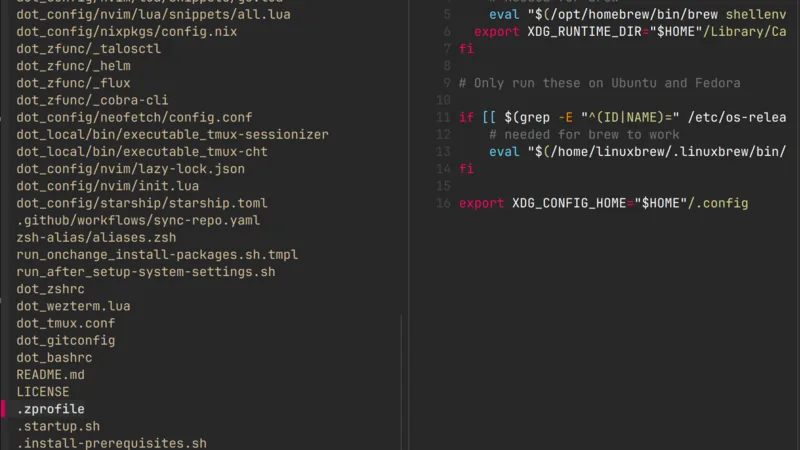
The bat command enhances the behavior of cat by adding several cool features, such as:
- Syntax highlighting: Support most of the languages
- Git integration: Displays changes with Git.
- Show hidden characters: with options
–show-allor-A - Automatic paging: Similar to
less, bat automatically handles long output.
To replace cat with bat, you can simply add an alias:
bash
alias cat='bat --paging never --theme DarkNeon --style plain'The style option defines the type of output you'd like:
- plain: Standard output (text with syntax highlighting).
- numbers: Shows line numbers.
- changes: Displays Git diff changes.
For standard cat, I leave the default style. However, for fzf integration, I add an alias to preview files with line numbers and Git diffs:
bash
alias fzfb='fzf --preview "bat --color always --style numbers, changes {}"'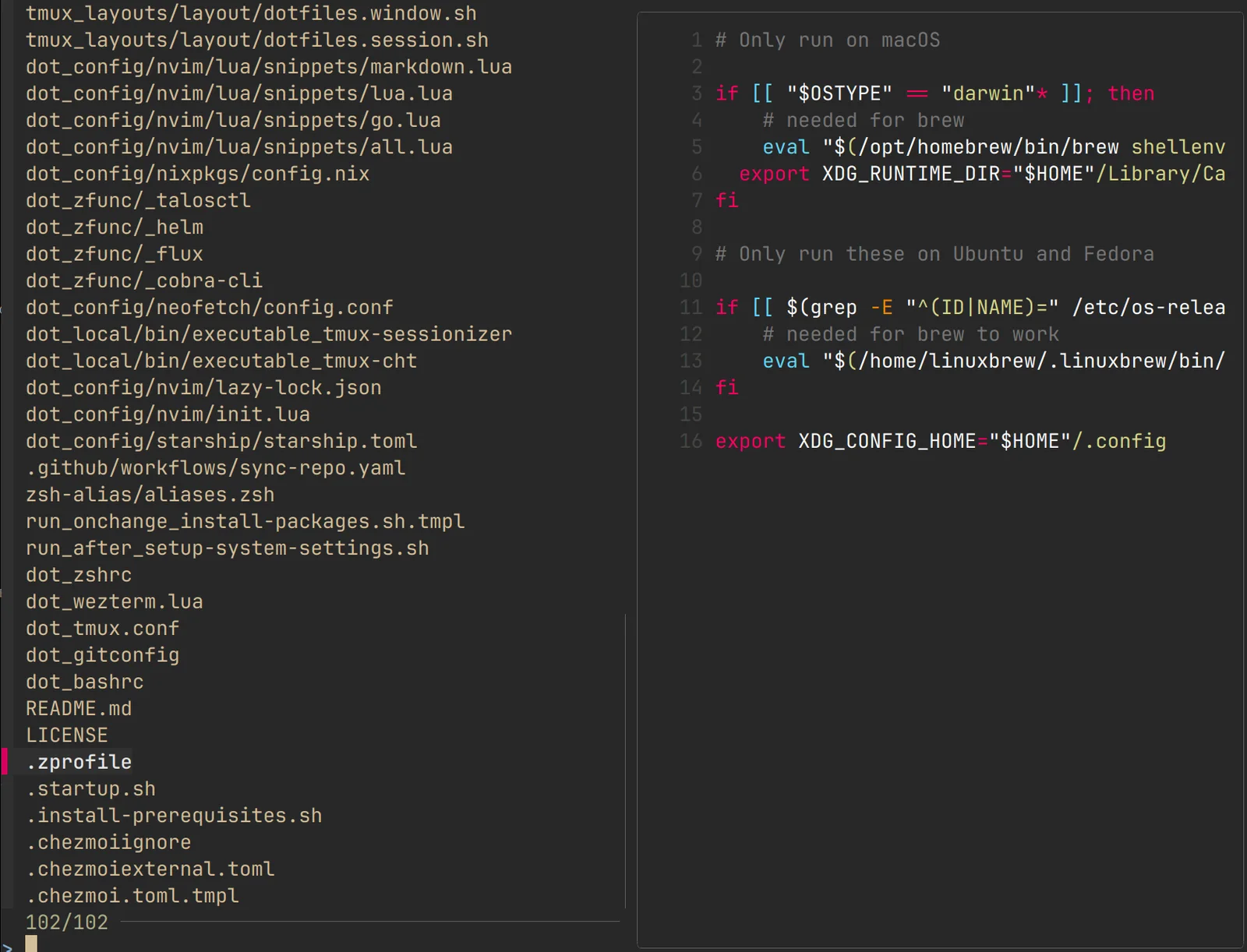
A useful integration with bat:
zsh
tail -f /var/log/pacman.log | bat --paging=never -l logAlso with Git:
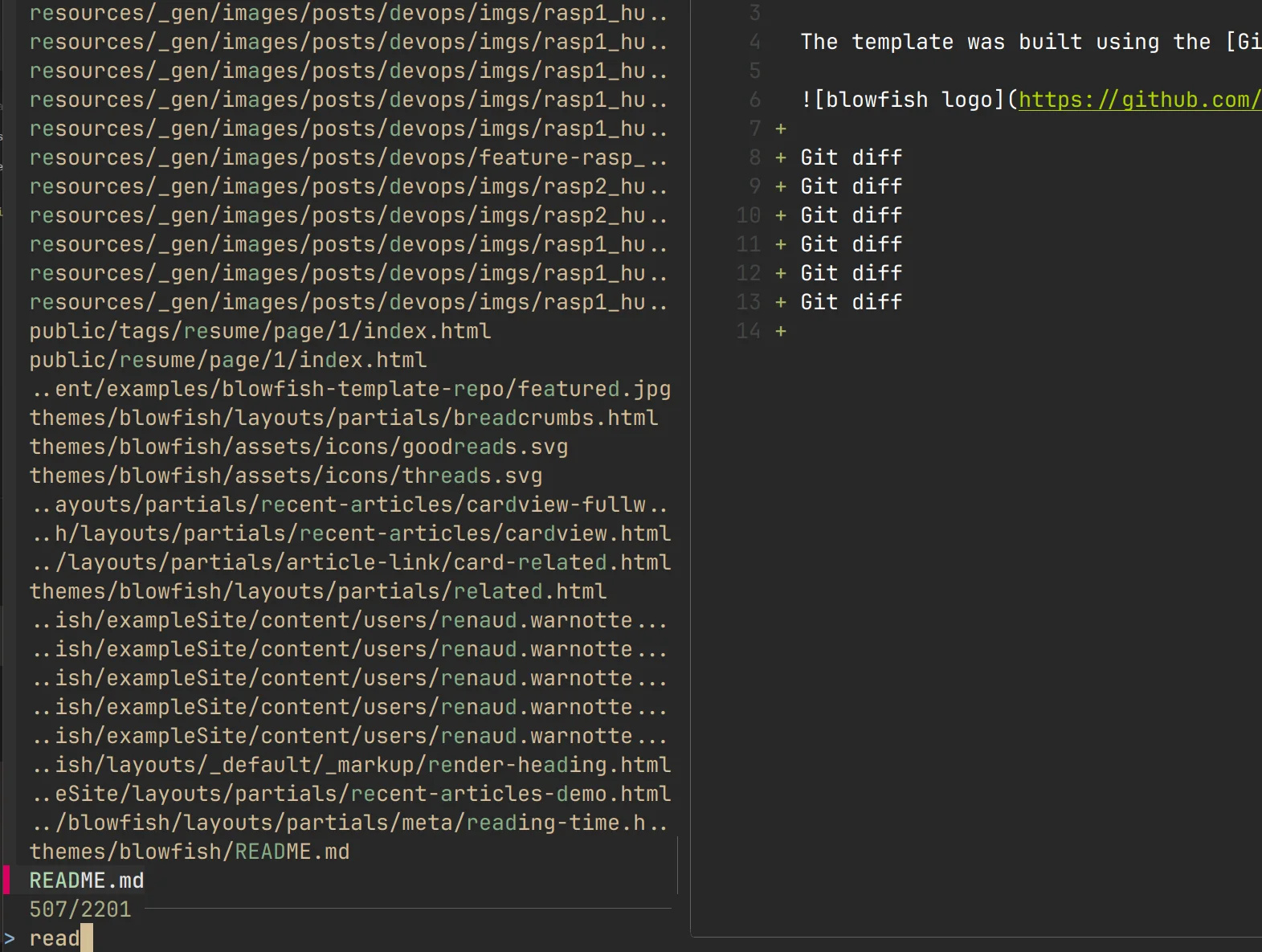 You can customize the preview style with different themes:
bash
bat --list-themes # Default themes
# you can add others
git clone https://github.com/greggb/sublime-snazzy
# Update the binary cache
bat cache --build
More info on official git